The type you check least
My project cards had labels set at 8.8 pixels, on every screen size.
I had reviewed those cards many times, always on a big monitor. The old studio habit is to print the page and hold it at reading distance. I had stopped doing the phone version of that.
The fastest check is one line. It finds every font size under 0.6rem, which is under 9.6px at a 16px root:
Code
grep -rnE 'font-size:\s*0\.[0-5][0-9]*rem' srcIt found my labels in seconds. For what the browser actually renders, paste this into the console at 390px wide:
Code
const walk = document.createTreeWalker(document.body, NodeFilter.SHOW_TEXT)
while (walk.nextNode()) {
  const el = walk.currentNode.parentElement
  const px = parseFloat(getComputedStyle(el).fontSize)
  if (walk.currentNode.textContent.trim() && px < 11) console.log(px, el)
}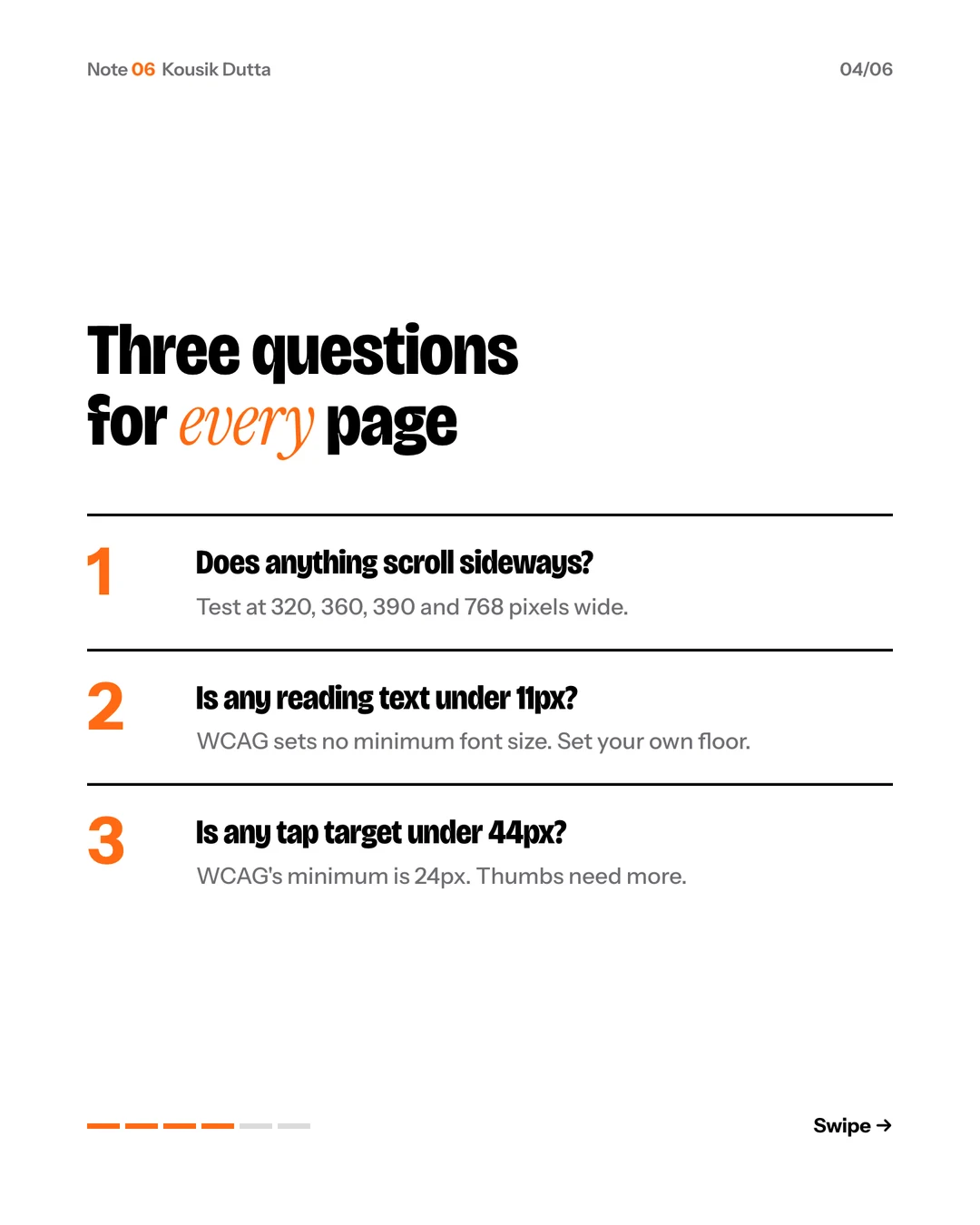
WCAG (opens in a new tab) sets no minimum font size, so the floor is yours to set. I set mine at 11.
The smallest type on the page is the type you checked least.
Want it as slides? Download the carousel.